Roblox Games Wiki
Horror Roblox wikis
Browse focused Roblox horror wikis and their player-guide entry points.
Game directory
Horror wiki directory
Focused Roblox horror wikis in the network. Choose a game profile or enter a direct guide route.
No matching wiki yet. Try a broader game or guide term.
Find the MONOCHROME escape step you need
The Horror directory currently contains the MONOCHROME wiki. Its linked walkthrough covers the Part I four-key escape using September 2026 gameplay sources. Start with that article if you need the sequence from opening the downstairs route to checking the exit. If you already know the route but are stuck on one task, use the key-location or keypad guide instead of repeating the entire walkthrough.
The key-location guide is the search-focused reference. The keypad guide explains the clue for the run you are playing. A remembered number from a different run is a different problem from finding the clue, so these two articles serve separate purposes even though both are part of the same escape.
- MONOCHROME: All four keys — Open this when searching the documented route is the obstacle.
- MONOCHROME: Keypad code — Open this when you need to identify the clue from your own run.
Check the walkthrough scope before following it
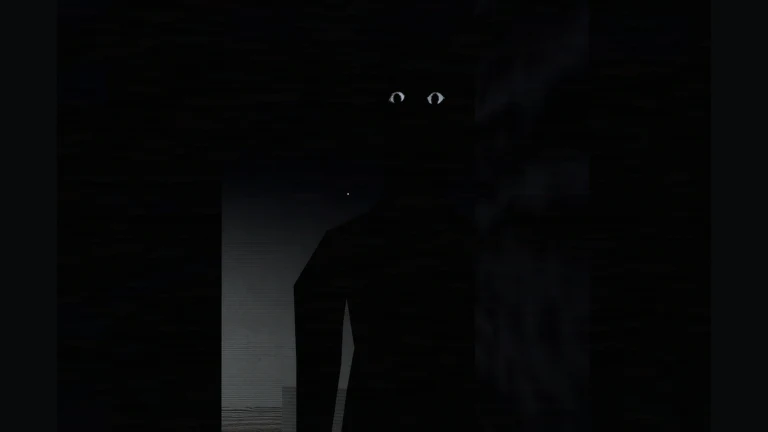
For corridor encounters, the monster-survival guide is the more focused entry point. Read its documented cues alongside the walkthrough so that the route and encounter advice refer to the same version. The full guide index is useful when you want to move between these articles while playing.
The linked escape material explicitly limits itself to Part I and does not claim a fresh Part 2 playtest. If the current experience shows a different layout or objective, compare that with the article scope before applying its steps. This category helps you select the relevant published reference; one listed wiki does not make it a complete survey of Roblox horror experiences.
- MONOCHROME: Monster survival — Focused reading for the corridor encounter guidance.
- MONOCHROME: Full walkthrough — Read the scope and complete Part I escape sequence together.